October 10, 2026
Activating B Player with Your Device Code
You have installed B Player and opened it for the first time. Instead of channels, you see a short code and a QR code. That is completely normal. It is your device code, and it is the key to getting your TV or phone switched on. This guide explains what it is, what to do with it, and what happens next.
Quick answer
Write down the device code shown on screen (it looks like ABC-123). Send it, together with the plan you want, to support on WhatsApp or live chat. When your payment is confirmed, the app unlocks by itself. No restart needed. Want to try first? Ask for a free trial instead.
What is the device code?
The device code is a short code that B Player shows on the first launch, next to a QR code. It identifies your device, so support knows exactly which TV or phone to activate.
You can find your device code again later too:
- in Settings → Account, and
- on the help screen, which opens from the help (?) button in the top bar.
Step 1: Choose a plan
All B Player plans are prepaid, with no contract, no box rental and no hidden fees. Each plan includes live TV and on-demand, the TV guide, all supported devices, and WhatsApp and chat support.
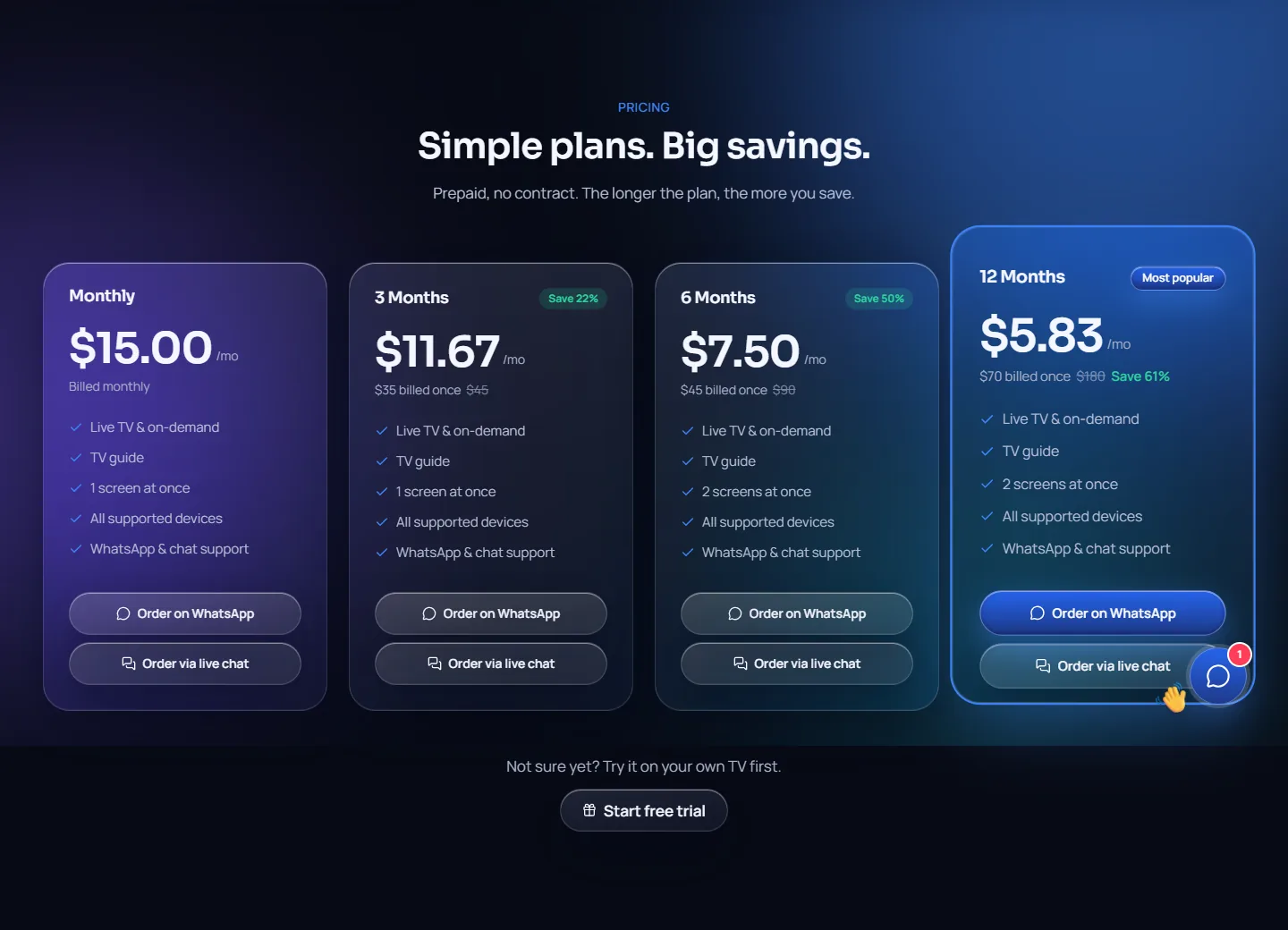
| Plan | Price | Per month | Screens at once |
|---|---|---|---|
| Monthly | $15 | $15.00 | 1 |
| 3 Months | $35 | $11.67 | 1 |
| 6 Months | $45 | $7.50 | 2 |
| 12 Months (most popular) | $70 | $5.83 | 2 |
"Screens at once" means how many devices can watch at the same time. See all the details in the plans section.
Step 2: Send your code and plan
- Open WhatsApp or live chat. Both are on the B Player website and the help page.
- Send your device code and the plan you picked.
- Support will share the payment options with you.
- Complete the payment.
Real people answer, usually within a few minutes.
Step 3: Watch it unlock
As soon as payment is confirmed, your device unlocks by itself. You do not need to restart the app or the TV. Just leave B Player open on the code screen and it will move on when your plan is active.
Prefer a free trial first?
A free trial is available, so you can see B Player on your own TV before choosing a plan.
- On the website, tap Start free trial.
- This opens WhatsApp or live chat.
- Send your device code.
- Support sets up the trial on your device, and it unlocks by itself.
During the trial, Settings → Account shows your plan as "Free trial". When you are ready, pick a plan and send your code again.
Checking your status on the website
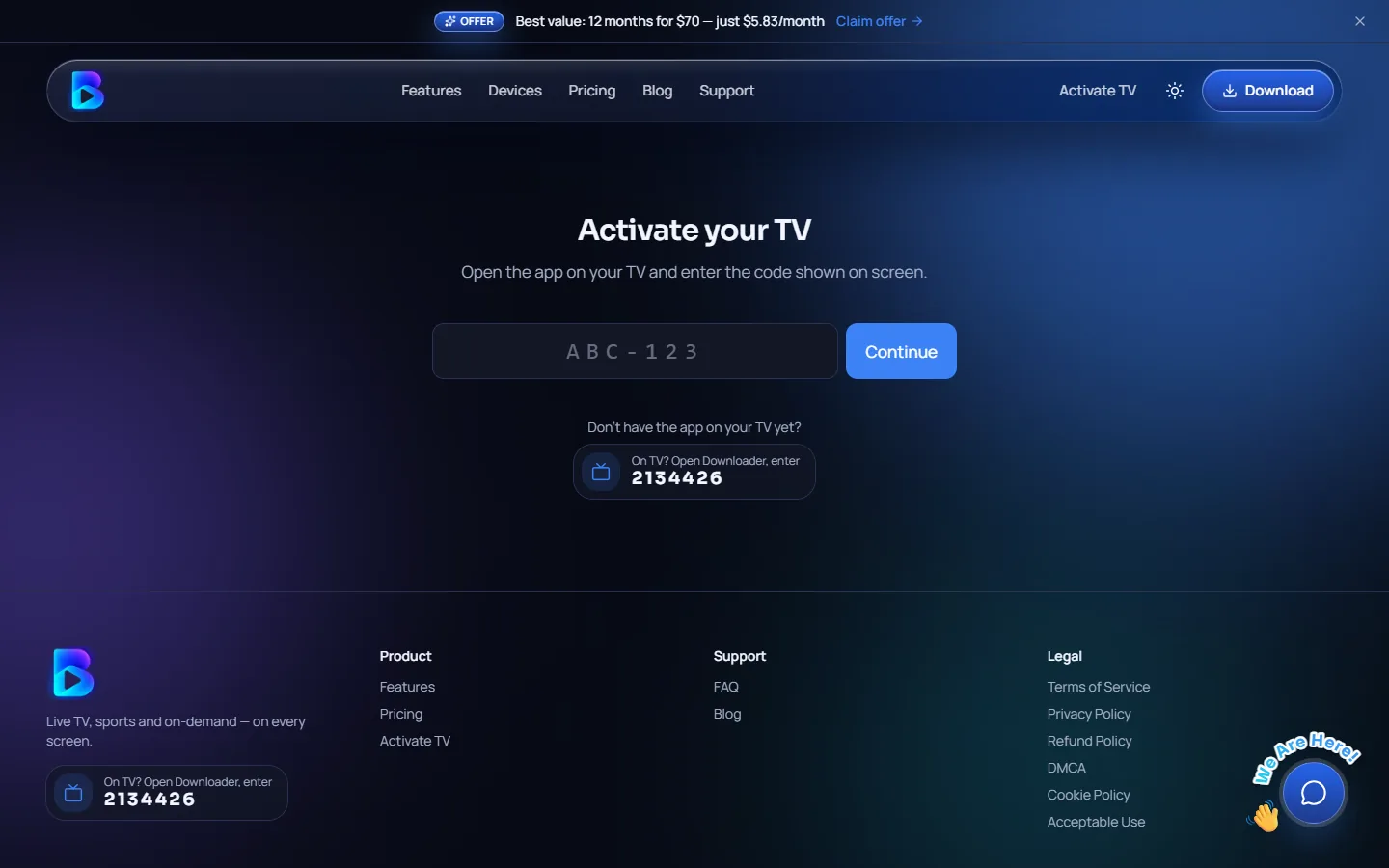
You can check your activation status any time on the activate page of the B Player website.
Seeing your plan inside the app
Once you are active, Settings → Account shows:
- your plan (Free trial or Active),
- the expiry date and days left,
- connections in use (for example "1 of 2"),
- your device code, and
- a Renew button.
There is also a plan chip in the top bar that shows how many days are left.
When it is time to renew
When your plan ends in 7 days or less, a banner appears near the top of the app with a Renew button. It becomes more urgent at 3 days and 1 day left, and also appears once the plan has ended.
- Select Renew in the banner or in Settings → Account.
- A dialog opens with a QR code. Scan it with your phone to open the website's renew page with your device code already filled in. On phones, there is also a WhatsApp button.
- Pick a plan and send it with your code using the WhatsApp or live chat buttons.
Troubleshooting
- The code is shown and will not unlock: send the code on WhatsApp or live chat. Once your plan is active, the screen unlocks by itself.
- "Your account is busy": all of your plan's screens are in use, including recordings. Stop watching on another device, wait a few seconds and try again.
- Channels will not load after unlocking: open the app again, as it re-checks your line, then go to Settings → Reload content.
Need help?
Send us your device code on WhatsApp or live chat, or visit the help page. Real people usually reply within a few minutes.